Model Context Protocol · runs on your Mac
The MCP server that lets your agent see your screen.
Cueshot comes with an MCP server. Your coding agent uses it to read your screenshots and screen recordings, open video files and ask you questions out loud — 15 tools, all running on this Mac.
Connect once. Setup does it for you.
When you set up Cueshot, it finds your agents and adds the server with one click. Nothing to install besides the app. The server runs on Node.js — if you run Claude Code or Cursor, it's already there.
Zed, VS Code or another MCP client: Cueshot shows the server entry for your Mac to paste into the client's MCP settings.
15 tools.
Your agent picks them itself. You just say what you want — the examples below are things you can type or dictate.
Read what you captured
Screenshots, recordings and the bundle, as frames, coordinates and text — the agent opens only what it needs.
get_latest_capture- The newest screenshot or recording: frames, marks as coordinates, what you said.
get_bundle- Everything you collected in the bundle, in one call.
list_captures- Your recent captures with time, app and length.
get_capture- One capture by its ID.
get_capture_text- The text read off every screen of a recording, searchable — the cheapest way in.
get_capture_overview- Every screen of a recording as numbered thumbnails, 20 per page.
get_capture_frame- A single frame, by time or by screen number, at full detail.
get_capture_details- A capture described without images: timeline, transcript, marks.
Open any video or audio file
The same treatment for a file that wasn't recorded with Cueshot: a bug report video, a screen recording from a colleague, a voice memo.
analyze_video- Turns any video file on your Mac into a capture like your own recordings.
transcribe_audio- Sentences with timestamps from an audio file or a video's sound, on your Mac.
Ask you
A question read aloud; your spoken answer comes back as text.
ask_user- Asks you a question out loud; you answer by voice, and the answer goes back.
Prepare something for a friend
Your agent can draft files or a message for a friend, but it can never send: a card in the notch asks you, and only you press ⏎.
list_friends- Your friends by name, and whether they can receive right now.
prepare_send- Drafts files or a message for a friend. It never sends: a card in the notch asks you, and only you send it.
get_send_status- Whether a draft was sent, discarded or expired.
list_shared_bundles- What friends sent you: screenshots, recordings, files and bundles, to open like your own.
What your agent reads.
Not a video file: a timeline of every screen that mattered, the text on each screen, what you said with timestamps and what you marked as coordinates. A 9-minute recording came to about 19,000 tokens in our test, and 97% of the words on screen were reachable as text.
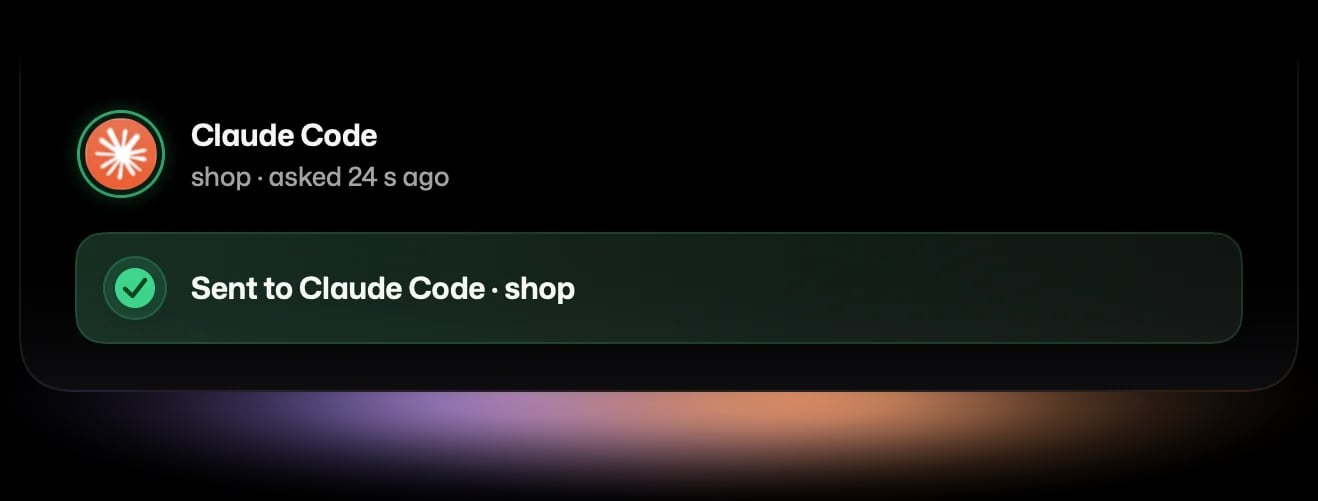
ask_user: your agent asks, you answer by voice.
Instead of stopping silently in a terminal you aren't looking at, your agent asks out loud. A card grows out of the notch; press fn, talk, press fn again.
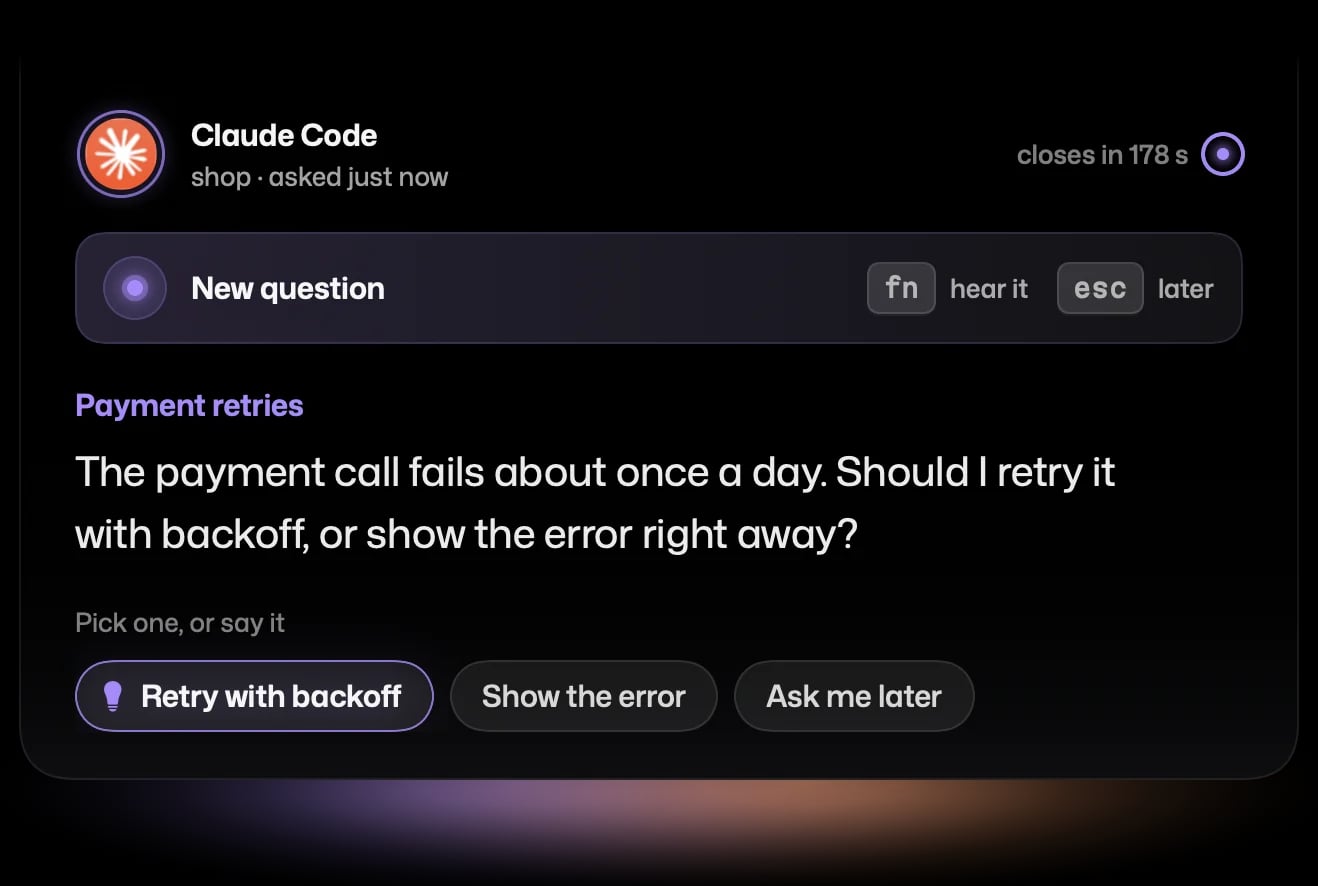
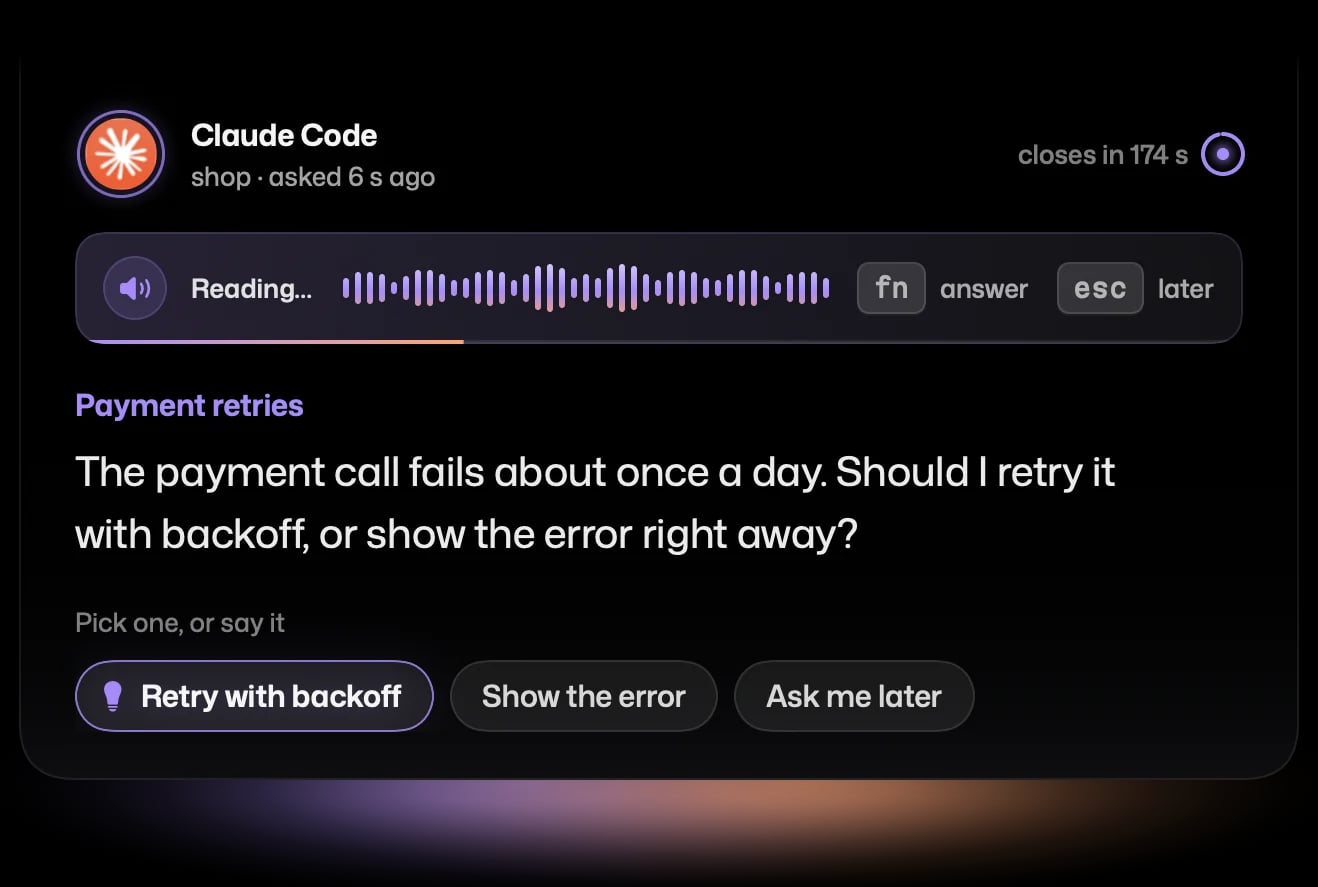
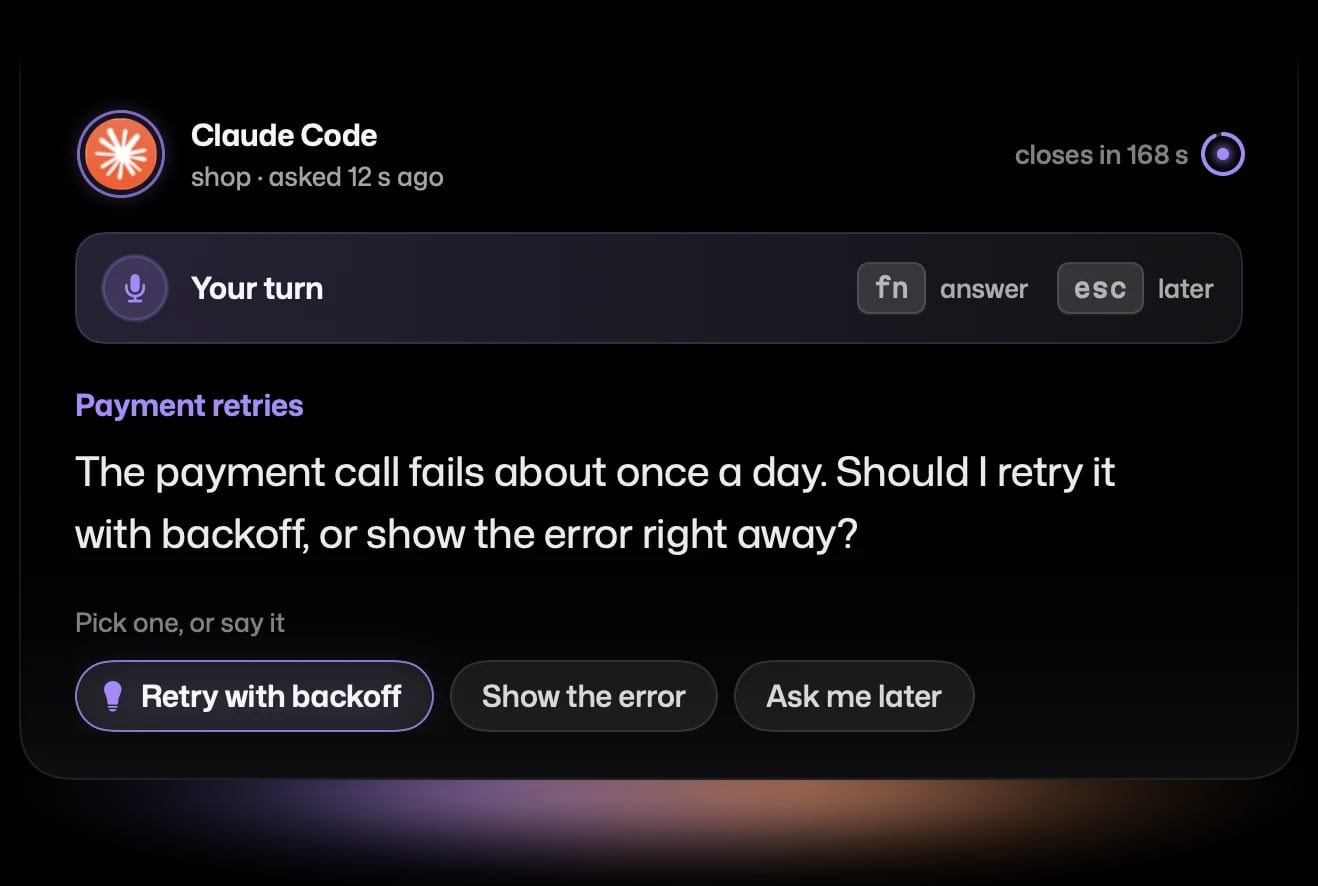
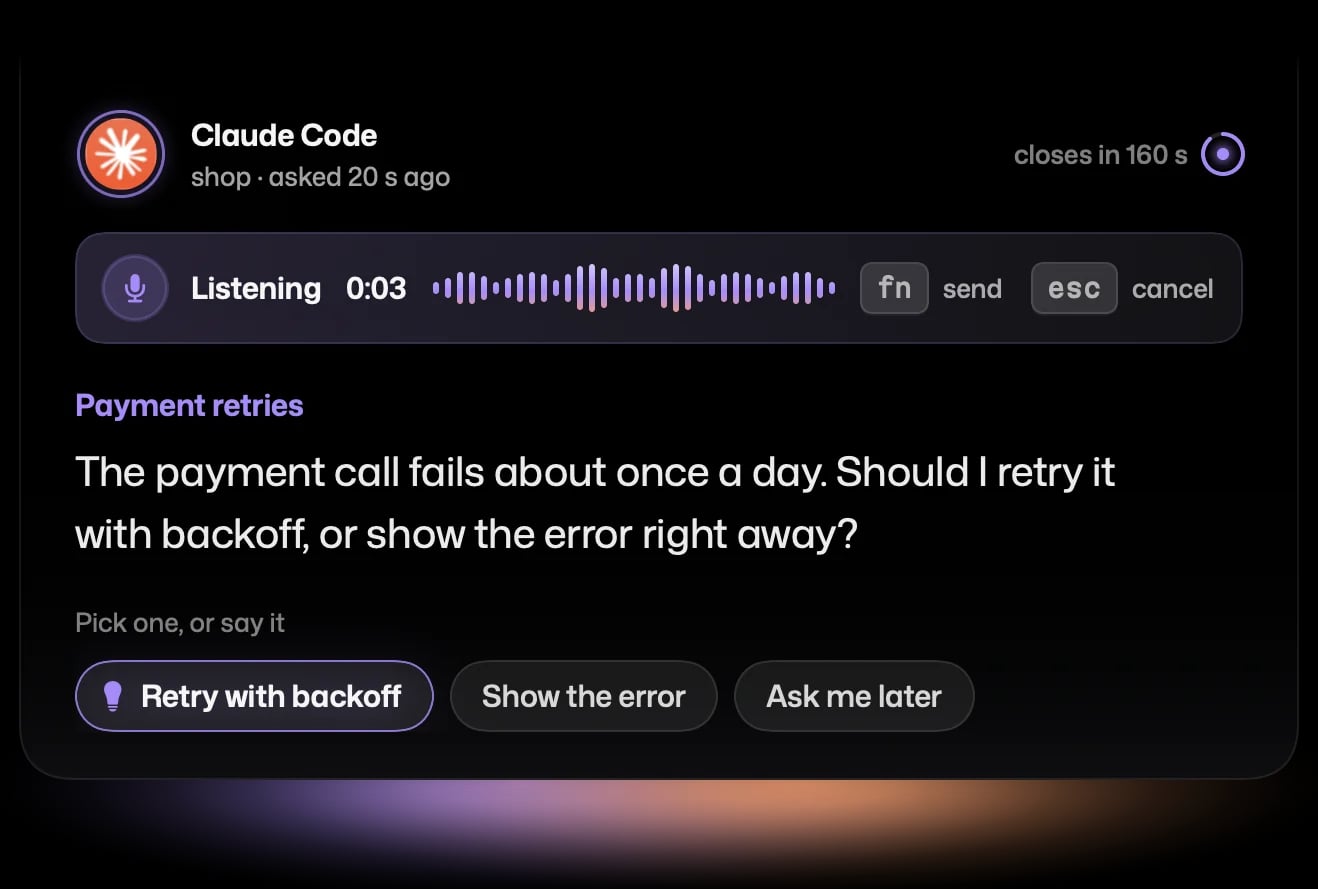
Retry with backoff, three times, then show the error.
Things to say to your agent
- take a look at the last capture
- look at my bundle
- in my last recording, where did the error show up?
- analyze ~/Desktop/bug-report.mov and fix what goes wrong at 0:40
- if you need a decision, ask me out loud
Where your data goes
Cueshot sends none of it anywhere. The MCP server runs on your Mac, reads the captures from your own user folder and talks only to the Cueshot app on this Mac, never to the internet; analyze_video and transcribe_audio work on your Mac as well. Your agent, though, sends what it reads to its model provider, like everything else in your session — so a recording shows your agent whatever was on your screen. The privacy policy lists everything that leaves the app itself.
Requires macOS 26 or later on Apple Silicon. Free; the MCP server is part of the free app. Pricing